
Expo experience tools are most useful when they connect space planning, attendee engagement, exhibitor operations, and post-event measurement instead of solving one isolated task. The right stack depends on event size, booth complexity, data needs, and how much coordination the team can realistically manage.
TL;DR: Use this as the operating snapshot before building the full plan.
- Start with templates for layout, traffic flow, lead capture, staffing, and exhibitor communications before buying more software.
- Choose tools that reduce handoff confusion between sales, operations, marketing, and on-site teams.
- For larger expos, integration quality often matters more than the longest feature list.
Match the Tool to the Experience Job
Expo planning can quickly become tool-heavy. Teams may use a floor plan platform, registration system, badge scanner, appointment scheduler, content app, signage plan, staffing tracker, lead capture tool, sponsor portal, and reporting dashboard. The better question is not “which tool is best?” It is “which part of the experience needs structure?”
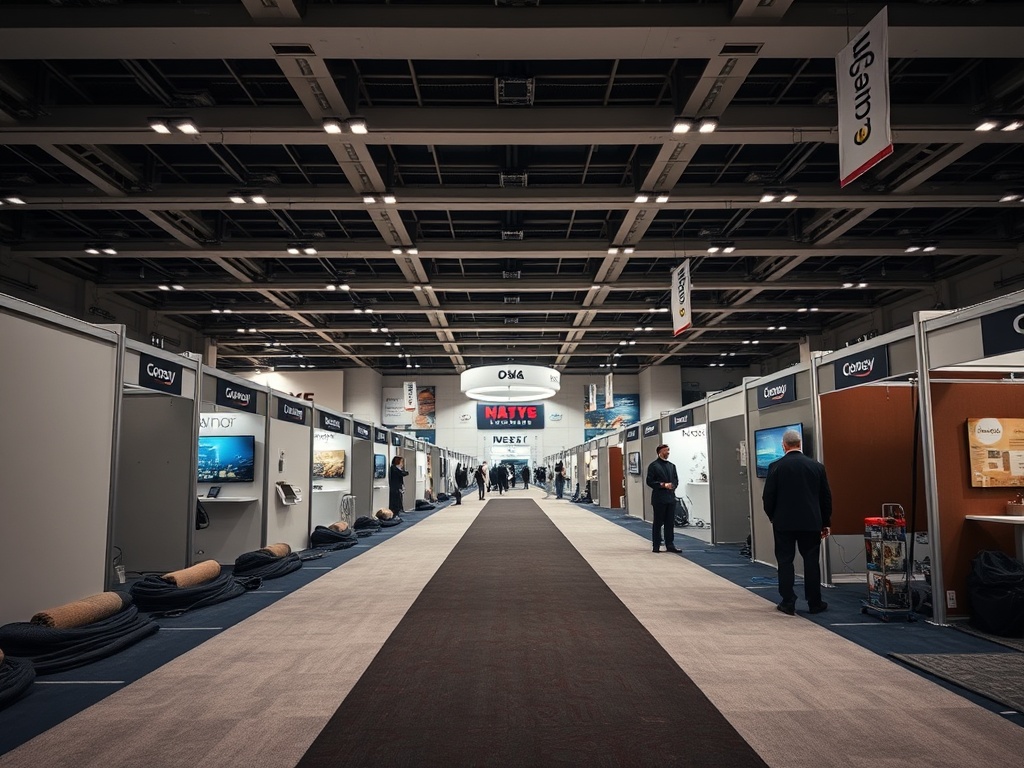
For a small tabletop expo, a shared floor plan, booth checklist, staffing grid, and lead follow-up template may be enough. For a multi-zone trade show, teams need tighter control over exhibitor deadlines, production drawings, attendee movement, and data capture. Guidance from IAVM safety and security resources is a useful reminder that venue operations and audience movement should shape planning, not sit outside the tool conversation.
When evaluating expo experience resources, ask how each tool helps attendees move, learn, compare, talk, and remember. If it only helps the internal team feel organized but does not improve execution or measurement, it may be a template, not a platform.
Core Templates Every Expo Team Should Own
Before adding software, build a clean template set. The most useful documents include a venue layout review, exhibitor onboarding checklist, booth asset tracker, production deadline calendar, staff role matrix, audience segment map, lead qualification rubric, sponsor deliverables tracker, and post-event reporting outline. These templates should be easy to reuse and strict enough to prevent vague ownership.
A good expo experience plan also connects to nearby workflows. For example, teams comparing exhibit investments can use event feasibility planning to test whether a show concept deserves full production support before selecting tools.
Useful Software Categories for Expo Operations
Expo teams often benefit from four categories of tools: planning, engagement, operations, and reporting. Planning tools cover layouts, schedules, budget documents, and approvals. Engagement tools support event apps, appointment booking, session reminders, polls, and lead capture. Operations tools help with vendor schedules, service orders, load-in windows, signage, staffing, and incident communication. Reporting tools connect registration, attendance, lead quality, sponsor delivery, and post-event follow-up.
Operational Comparison Snapshot
| Tool Category | Best Use | Watch-Out |
|---|---|---|
| Floor plan and layout tools | Booth placement, aisle flow, service access | Pretty maps do not replace safety or venue review |
| CRM and lead capture | Qualifying conversations and assigning follow-up | Bad field design creates weak sales data |
| Exhibitor portals | Deadlines, asset collection, service details | Too many fields can frustrate smaller exhibitors |
| Event apps | Wayfinding, schedules, messaging, attendee engagement | Low adoption limits value |
| Dashboards | Real-time status and post-event reporting | Dashboard data must be owned and cleaned |
The strongest stack is usually the simplest stack that covers the highest-risk handoffs. A small expo with disciplined templates can outperform a larger event with disconnected tools.
Evaluate Tools by Data Flow and Team Behavior
Product-aware buyers should look beyond demos. Ask what data enters the tool, who enters it, when it gets updated, and where it goes next. If the sales team needs lead records in the CRM by Monday morning, the lead capture setup matters more than a stylish attendee app. If exhibitors keep missing deadlines, the portal must make required actions obvious.
For expo experience design, adoption is part of the product. Staff should be trained on the smallest set of actions they must perform correctly. Exhibitors should receive concise instructions. Attendees should not need to download an app just to understand where to go.
Implementation Tips for Different Event Sizes
Small expos should prioritize a clear floor plan, registration list, staff assignments, booth requirements, and follow-up process. Mid-size expos should add exhibitor service tracking, appointment scheduling, sponsor delivery tracking, and basic reporting. Large expos need role-based dashboards, live issue escalation, access control coordination, structured content updates, and data governance.
If the team is also dealing with shared vendor schedules, the article on shared logistics dashboards can help connect expo tools to load-in and load-out planning. External marketing rules may also apply when sponsors, creators, or paid endorsers promote the expo, so teams should review FTC endorsement guidance when promotion includes endorsements or material connections.
Choose a Stack the Team Can Actually Run
The best expo technology stack does not impress people in a planning meeting and then collapse on-site. It gives the team fewer surprises, cleaner ownership, better attendee information, and usable follow-up data. Start with templates, add tools only where handoffs break, and judge every resource by the behavior it improves.
Educational note: Event tools, contracts, access options, and ticketing capabilities vary by provider and venue. Verify features, data responsibilities, privacy terms, and service levels directly with vendors before making purchase or operational decisions.
Buyer Criteria for Expo Tool Selection
When comparing trade show experience design tools, create a short buying scorecard. Rate each option on ease of use, setup time, exhibitor experience, staff training burden, integration with CRM or registration data, reporting quality, on-site reliability, support availability, and total cost. A tool that looks impressive in a demo may still be the wrong choice if the team cannot maintain clean data or train users quickly.
Ask vendors to show the exact workflow your team will run, not a generic sales demo. Request examples of floor plan changes, exhibitor updates, lead export, attendee messaging, and issue tracking. Also ask what happens when internet access is limited or data is entered incorrectly. The best buying process tests daily behavior before the contract is signed.
For implementation, choose one owner for the full expo stack even if different departments own pieces of it. That owner should maintain the tool map, confirm data flow, and decide which source is authoritative when records conflict. Expo technology fails most often when every team believes another team is maintaining the master view. A single operating owner makes the stack easier to support during setup, live hours, and post-event reporting.
Before rollout, run one mock exhibitor through the entire process. Send the onboarding message, collect assets, confirm booth requirements, update the floor plan, capture a lead, export the record, and build a small report. This simple rehearsal often reveals confusing instructions before dozens of exhibitors experience them.