
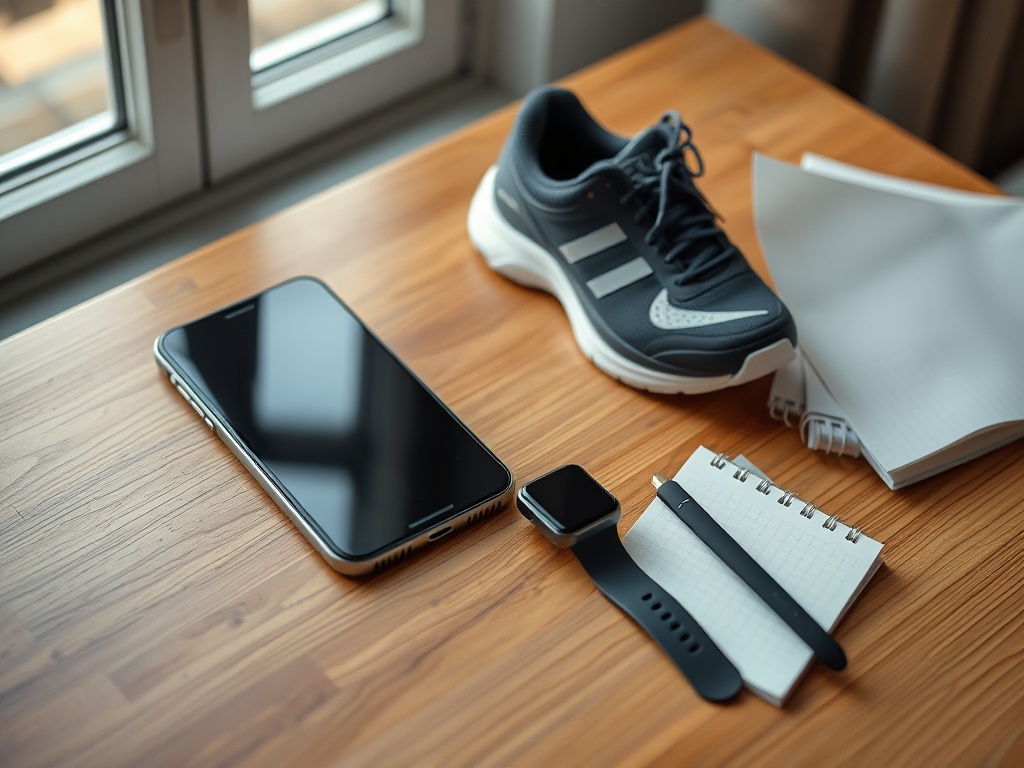
The best fitness tech setup is often the smallest one that reliably supports action. If your goal is less friction, build around a calendar, a simple workout record, one optional activity metric, and automatic reminders only where they prevent a real mistake. Everything else should earn its place.
TL;DR Use one device as the hub, one place to store the plan, one metric per goal, and as few notifications as possible. Avoid duplicate apps, overlapping dashboards, and recovery scores you do not know how to use.
What “simple tech” means in fitness
Simple does not mean primitive. It means the system has a clear purpose and low maintenance. A phone calendar can schedule workouts. A notes app can hold the routine. A watch can track steps. A timer can structure intervals. The problem begins when five apps attempt to solve the same problem and each creates another login, notification, or dashboard.
The CDC guidance on adding physical activity as an adult emphasizes planning, enjoyable activity, and simple tracking options. That is a useful standard for technology: the tool should make the plan easier to execute, not become the plan itself.
Setup 1: phone-only
This is the lowest-friction option for many people. Put recurring workout blocks on the calendar, store the exercise list in notes, and use the built-in timer. If step data from the phone is good enough for your purpose, you may not need a wearable at all.
- Calendar: schedule the session and one backup window.
- Notes: keep the workout, weights, and brief cues in one document.
- Timer: use for rests, intervals, or walking breaks.
- Optional health app: review one metric such as steps if it helps behavior.
This setup is ideal for people who dislike charging another device or who already carry their phone during most daily activity.
Setup 2: basic wearable plus phone
Add a wearable only when it captures something the phone misses or provides a useful prompt. Walking reminders, workout duration, or a convenient heart-rate display can be valuable. Hide features that you do not use. If the watch lets you remove widgets, notifications, or app tiles, simplify the display until the useful metric is easy to find.
If you are deciding whether a wearable is worth it at all, start by defining the one behavior problem it must solve. The point is to solve that problem, not to collect features.
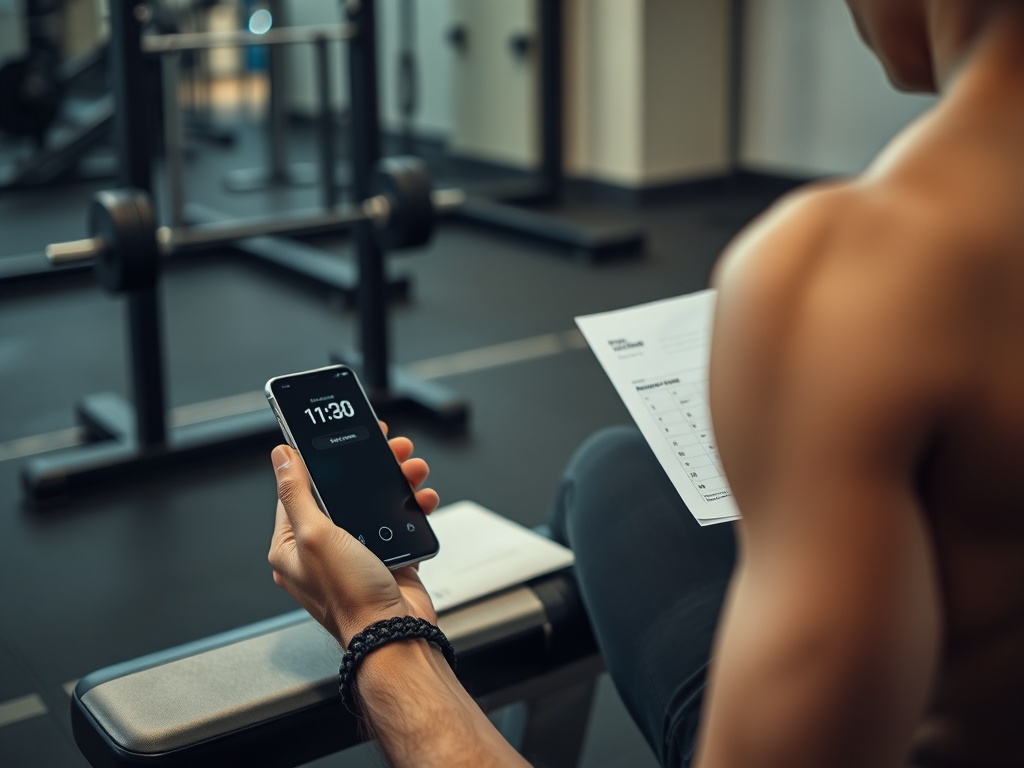
Setup 3: training log without an ecosystem
Strength training needs surprisingly little technology. A spreadsheet, notes app, paper notebook, or simple logging app can record exercise, load, sets, and repetitions. You do not need a readiness score, auto-generated program, social feed, and nutrition platform unless those features are genuinely useful.
If your main training is strength work and body composition is part of the goal, how to lose fat while strength training three days a week shows how a repeatable training structure can matter more than adding another digital layer.
Setup 4: endurance essentials
For longer cardio, the useful tech may be limited to elapsed time, route or distance when relevant, and perhaps heart rate. Nutrition and hydration planning should remain understandable without the device. If your stomach is the limiting factor on long sessions, how to fuel longer cardio sessions without upsetting your stomach is more valuable than adding another performance dashboard.
In hot weather, a weather alert can be more important than a sophisticated readiness score. The correct technology is the one tied to the real risk or decision in front of you.
The one-metric-per-goal rule
If the goal is daily movement, track steps or active time, not both unless you have a reason. If the goal is strength progress, track load and repetitions on the main lifts. If the goal is exercise consistency, track sessions completed. If the goal is sleep routine, track bedtime consistency or subjective restfulness before adding multiple wearable scores.
This keeps the feedback loop understandable: metric changes, you make one decision. When five metrics point in different directions, users often spend more time interpreting than acting.
Turn off notifications by default
Most fitness notifications are optional. Keep reminders that prevent a missed behavior and disable those that merely announce data. A calendar alert 15 minutes before a planned session may be useful. A constant stream of badges, weekly reports, social prompts, and “insights” may not be.
If tracking starts to create guilt or compulsive checking, why tracking everything can hurt adherence for some people offers a minimum-effective-data approach.
Common sources of friction
- Duplicate workout plans stored in different apps.
- Multiple wearables that produce conflicting sleep or calorie estimates.
- Charging routines that cause devices to be unavailable when needed.
- Notifications that interrupt work without changing behavior.
- Automatic goals that increase faster than your training plan should.
- Data exports or dashboards you never review.
Each source of friction is a candidate for deletion. The goal is not a perfectly integrated ecosystem; it is a system you can operate when busy or tired.
Use a monthly tech audit
Once a month, review your setup. Ask: Which tool changed a useful decision? Which app duplicated another? Which notification did I ignore? Which metric made me train more intelligently or recover better? Delete, hide, or disable anything without a clear answer.
Do not assume paid features are necessary because they are more detailed. More detail is useful only when it changes what you do. If your routine is stable with a calendar and notebook, that is already a successful technology system.
Build for failure points, not ideal days
A simple system should still work when the watch is charging, the gym has poor reception, the app is offline, or you forget a password. Keep the actual workout accessible without a live connection, and know how to time or record the session manually. Technology should provide convenience, not become a single point of failure.
For the same reason, avoid storing the only copy of a training plan inside a subscription service you may stop using. A basic exported note, spreadsheet, or printed page can preserve continuity if the app changes.
Keep health data boundaries clear
Consumer fitness tools can surface heart-rate alerts, sleep estimates, oxygen-related readings, and other health-adjacent data. Treat those features as consumer information, not a diagnosis. If a device repeatedly flags something concerning or you have symptoms, discuss it with a qualified health professional instead of relying on an app's interpretation.
Choose calm over complexity
A simple setup should disappear into the routine. You should notice the workout, walk, meal, or recovery decision more than the app supporting it. Start with the phone you already own, add one device only if it solves a specific gap, and keep the rest optional.